



Crystalroll App
The Crystalroll app keeps the full game catalog and account tools in one place on a phone or tablet. It runs as a browser-based install, so there’s no separate store listing to search for. The Crystal Roll app icon on the home screen loads the exact same account used on desktop. Every balance and session carries over the moment it opens.



Crystalroll Mobile Casino
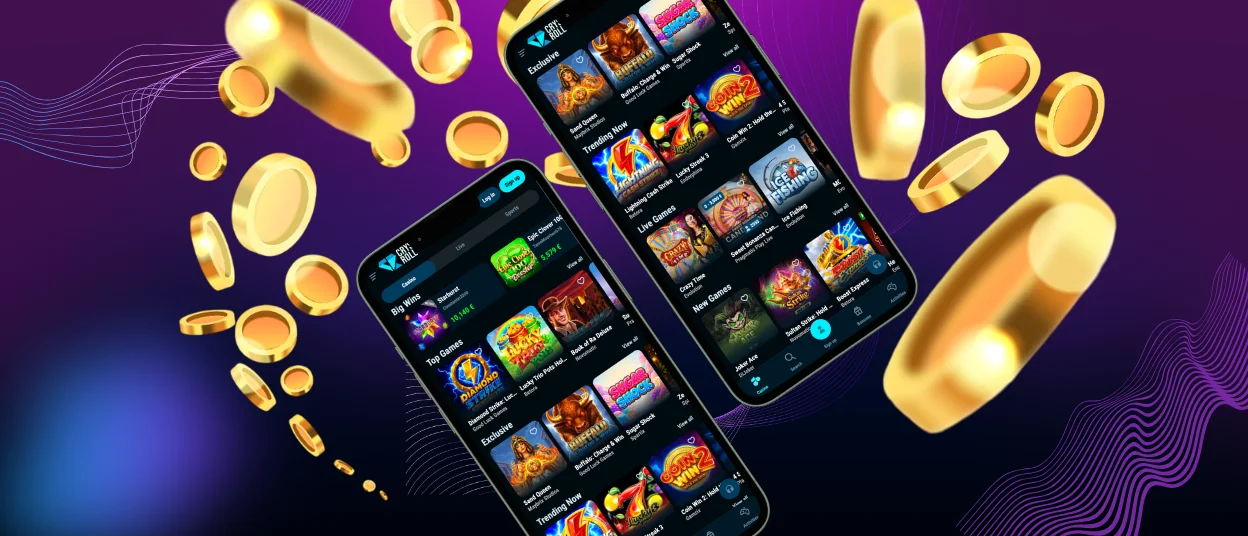
The mobile version of Crystal Roll Casino carries the same game library as the Crystalroll Casino desktop site, loaded through one responsive layout. Touch controls replace mouse clicks, and menus collapse into a single scrollable list to fit smaller screens. Slot reels and live tables resize automatically depending on whether the screen is held upright or turned sideways. Crash rounds do the same.
How Do You Install the Mobile Application for Android?
Android users open the site in Chrome and find the install option in the browser menu. Selecting “Add to Home Screen” places the icon directly on the device, with no store visit required. The icon then behaves like any other installed program. It launches full-screen. The address bar and tab strip stay hidden throughout.
Crystalroll APK
A search for a Crystal Roll APK is usually looking for a way to install outside the browser. It runs as a PWA instead, so there’s no separate .apk file to download or side-load, and no permissions screen asking to allow installs from unknown sources. The same “Add to Home Screen” step delivers the same result an APK install would, minus that extra security step.
Third-party sites offering a “Crystalroll APK” file should be treated with caution. No such file exists on this domain, and anything claiming otherwise didn’t come from here and can carry altered code.
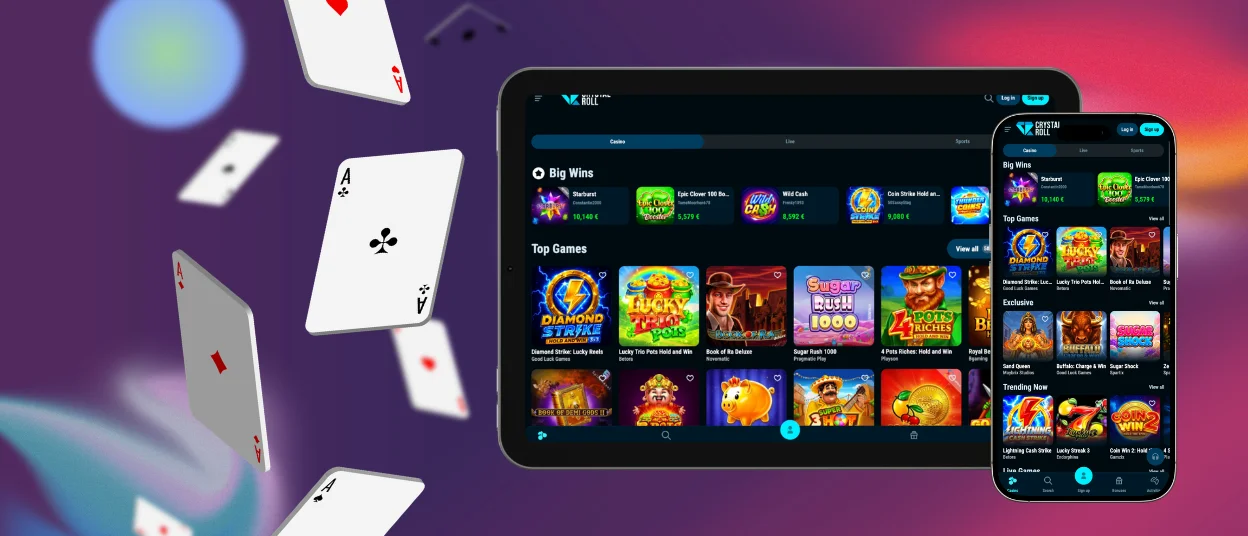
Mobile Application for iOS
iOS users follow the same browser-based process used on Android. The steps start by opening the site in Safari and pressing the share icon, then selecting “Add to Home Screen” from the menu that shows up.
The resulting icon opens straight into a full-screen view. The browser’s address bar and tab strip stay hidden throughout the session, matching the layout of a store-downloaded program.
Crystalroll Casino Application for Windows/macOS
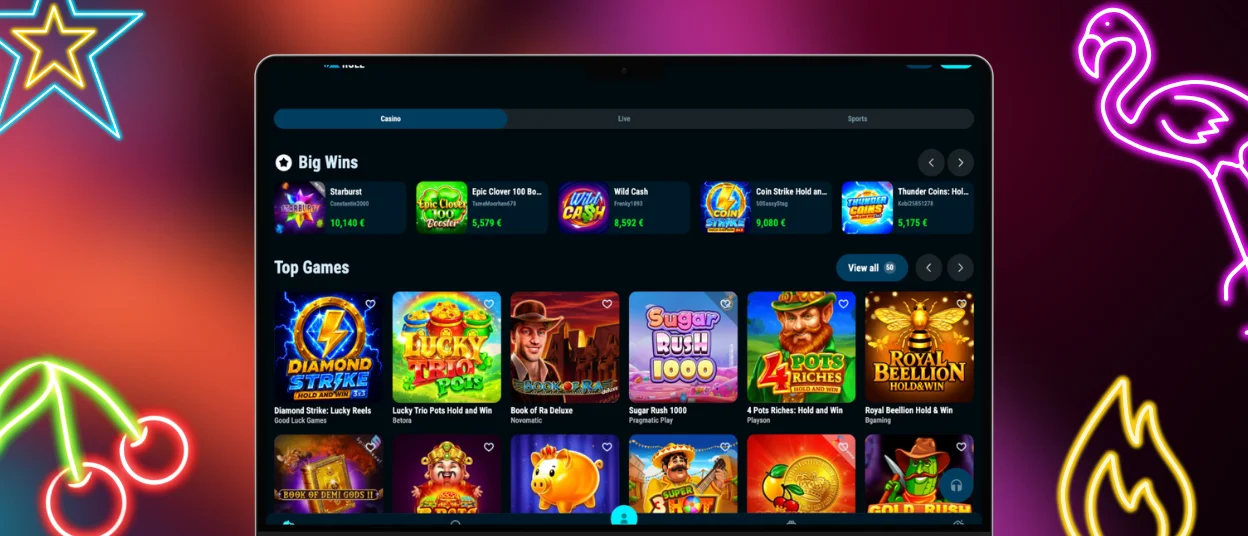
Windows and macOS users open Crystalroll Casino through a desktop browser and pin the site to the taskbar or dock using the “Install” prompt shown by Chrome and Edge. The pinned shortcut behaves like a standalone program, launching in its own window separate from the browser.
| Platform | Browser | Install Step |
|---|---|---|
| Android | Chrome | Add to Home Screen |
| iOS | Safari | Share icon → Add to Home Screen |
| Windows | Chrome or Edge | Install icon in address bar |
| macOS | Chrome or Edge | Install icon in address bar |
What Are the Pros and Cons of the Mobile Install?
The browser-based setup skips the update-and-permission cycle typical of store downloads, and it keeps the same account active across every device with no separate login step.
- Loads instantly with no waiting on a store download queue
- Updates take effect the moment they’re published, with no manual patching
- Screen space runs tighter than desktop, so some tables show fewer betting options at once
- Older browser versions can miss the home-screen prompt entirely
What Security Advantages Come with the PWA Install?
Because the install loads from the same TLS-secured domain as the Crystalroll Casino desktop site, every session carries the same encryption automatically. No third-party store sits between a player and an update, which limits the chance of a modified copy reaching a device.
Login credentials entered on the mobile install travel through the identical verification checks used on desktop, so a session opened from a phone gets no weaker protection than one opened from a laptop.
Which Devices Support the Crystalroll Install?
Android devices running a recent Chrome build and iOS devices on a current Safari version both support the Crystal Roll install prompt described above. Windows and macOS machines pick up the same prompt through Chrome or Edge.
Older browser versions can still load the site through a normal tab. The home-screen icon and full-screen layout just won’t be part of it.
FAQ
Does installing Crystalroll cost anything?
Installing Crystalroll carries no extra charge, since it runs as a website saved to the home screen and not a separate purchase from a store. Data charges from the mobile carrier still cover it the same way they would for any other site.
Why isn’t Crystalroll listed in Google Play or the iOS store?
Browser-based installs like this one skip store review cycles entirely, which lets updates reach every device the moment they’re published. The same version runs identically on Android and iOS, so there’s no separate build to submit for either platform.
Does the install need a permanent internet connection?
A live connection is required for real-money play. Every spin and hand needs a server response before it counts. A dropped connection simply pauses the current round; the account itself stays open.


